
Website redesign SEO checklist: what to preserve before launch

A business owner approves a new design in October. The site goes live in November and looks better on every screen. In December, the enquiry form has gone quiet, the page that used to rank for the main service term returns a “page not found” error, and nobody can say which of the thirty changes made on launch day caused it.
This is the typical redesign failure. It is rarely a design problem. The new site lost something the old site had: a URL that other websites linked to, a page title that matched what people searched for, a form event that fed the analytics report, or an instruction that told Google it was allowed to index the page.
Google treats any change to a live site as something to prepare, test and monitor, even when the domain stays the same. Its own guidance for site moves recommends keeping a map of changed URLs, using permanent server-side redirects, updating internal links and then watching both the old and new addresses after launch. For a medium-sized site, Google says the replacement of old URLs in search results can take a few weeks or longer. Google: site moves with URL changes
The working rule for a redesign is simple. Preserve first, improve second. Everything below follows that order.
What a redesign can break without anyone noticing
Designers and developers look at the new site. Google looks at the differences between the new site and the one it already knew. The changes that cost visits are usually invisible on screen:
- A page address changes and the old one returns an error instead of forwarding visitors.
- A template replaces specific page titles with one generic pattern.
- A copied staging setting tells search engines not to index the live site.
- The navigation drops a link that a well-visited page depended on.
- The form still sends emails, but the event that counted enquiries in analytics stops firing.
- New fonts, scripts and images make every page slower than before.
Google’s minimum requirements for a page to appear in search are that its crawler is not blocked, the page returns a successful response, and the page contains content that can be indexed. A redesign can break all three in one deployment. Google: technical requirements
Before the work starts: inventory what is worth protecting
You cannot protect what you have not listed. Before a designer opens a single file, freeze a record of the current site. For a business site with a few dozen to a few hundred pages, this takes an afternoon.

Export these lists and keep them where the project team can find them:
- A complete crawl of the live site with each page’s address, title, description, main heading, canonical tag, indexing instructions and word count. A desktop crawler handles this; the free tier of most tools covers a small site.
- The pages that brought visits from Google in the last twelve months, from Search Console’s performance report. Note which queries each one appeared for.
- The pages visitors landed on, from Google Analytics, including the ones that led to form submissions or calls.
- The pages that other websites link to. Search Console’s links report shows a sample; a backlink tool shows more.
- The current XML sitemap and the redirect rules already in place from any earlier change.
Then give every address a decision: keep, move or remove. A page that nobody visits, nobody links to and nobody searches for can go. A page with any of those three things needs either the same address or a redirect to its closest replacement.
Google also advises checking which pages are being linked to externally and updating the ones you control, prioritised by the visits they send. Google: site moves with URL changes
Keep addresses where you can, map the rest
The cheapest redirect is the one you never need. If the old address was /services/web-design/, the new site should answer at /services/web-design/ unless there is a reason to change it that the business can name.
Where addresses must change, write a one-to-one map. Each old address points to the single most relevant new page. Sending every retired page to the homepage is the most common shortcut and the one Google warns against, because a visitor who wanted a specific service lands on a generic page and leaves.
An illustrative map for a small services site:
| Old address | New address | Rule |
|---|---|---|
/services/web-design/ |
/services/websites/ |
Permanent redirect |
/services/web-design/pricing/ |
/pricing/ |
Permanent redirect |
/about-me/ |
/about/ |
Permanent redirect |
/blog/2023/05/old-article/ |
/blog/old-article/ |
Permanent redirect |
/promo-summer-2022/ |
none | Deliberate 410 (page gone) |
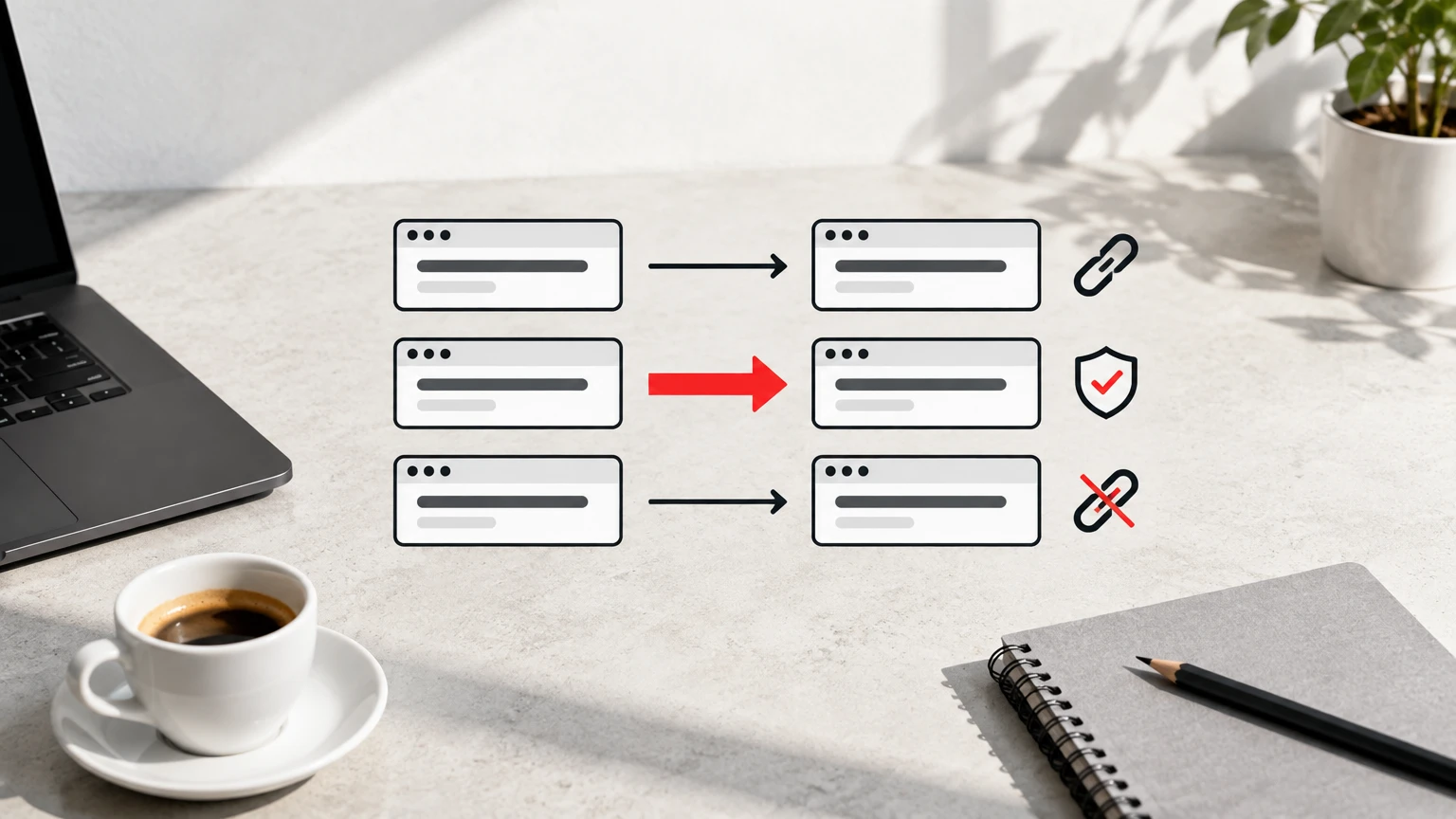
Three rules make the map safe to deploy:
- Use permanent server-side redirects (301 or 308). Google states that permanent redirects do not lose ranking signals when a page moves. Temporary redirects (302 or 307) say the move may be reversed. Google: redirects
- Redirect in one hop. If a page moved in 2022 and moves again now, rewrite the 2022 rule to point at the 2026 address. Google can follow chains but recommends redirecting straight to the final destination.
- Carry over every existing redirect rule. A change of hosting or platform often drops the old rules silently, and the addresses that other sites linked to years ago start failing again.
After launch, update the links you control to the new addresses: your Google Business Profile, social profiles, email signatures, advertising destinations and any partner sites that will make the change if asked. Redirects cover the rest.
Titles, descriptions, headings and body text
A redesign changes templates, and templates write titles. The specific title that a page had earned over three years can be replaced by “Services | Company Name” on launch day without anyone meaning to do it.
Google uses the title element as one of the main sources for the clickable title in search results, along with the main heading and prominent text on the page. It may also use the meta description for the snippet under it. Google: title links
Before launch, compare the old and new title and description for every page that matters. Flag anything missing, duplicated or dramatically shorter. If you want to improve a title, do it as a separate, deliberate change after launch, so you can tell which change had which effect.
Check the body text the same way. A redesign often moves copy into tabs, accordions or components that render differently. Compare word counts between the old and new version of your most important pages. A page that kept its address but lost half its text is a different page to Google.
Headings follow the same rule. Each page should keep one main heading that says what the page is about, followed by subheadings in order. Visual components sometimes turn headings into plain styled text, which looks identical and reads differently to a crawler.
Canonical tags, indexing instructions and the sitemap
Three small technical signals cause most launch-day disasters.
The canonical tag tells Google which address is the preferred one when several show the same content. On the new site, every indexable page should point to itself at the live domain. A canonical that still names the staging domain or the old address sends Google’s attention somewhere you do not want it. Google treats canonicals as a strong signal rather than a command, and combines them with redirects and sitemap entries when choosing the address to show. Google: canonicalization
The noindex instruction and the robots.txt file control whether search engines may index or crawl pages. Staging sites are often hidden behind a blanket noindex or a Disallow: / rule. If that setting ships to production, the whole site drops out of search within days. Google also points out that noindex only works when the crawler can reach the page; a robots.txt block hides the noindex from it. Protect staging with a password instead, and add a deployment check that fails when the live site contains a sitewide noindex. Google: block indexing and Google: robots.txt
The XML sitemap should be regenerated from the new site, list only live addresses that return a successful response, and be submitted in Search Console after launch. A sitemap full of redirected or removed addresses tells Google one thing while the server says another. Google: build a sitemap
Test the error page too. A missing address should return a real 404 status, not a styled “not found” message served with a success code. Google classifies the second case as a soft 404, and sites built on modern JavaScript frameworks often produce it by default. Google: HTTP status codes
Two or more languages: keep the pairs intact
Many Albanian businesses run their site in Albanian and English, sometimes Italian as well. Each language version tells Google about the others through hreflang annotations. A redesign that changes the English addresses but leaves the Albanian annotations pointing at the old ones breaks the pairing in both directions.
Google requires each version to reference itself and every alternate, with return links, before it trusts the annotations. Check the whole set for every page, not one language at a time. Google: localized versions
Structured data
If the old site carried structured data for your business, services, articles or FAQs, the new templates need to reproduce it against the new page structure. The values must match what the page visibly shows. Run the main templates through Google’s Rich Results Test before launch. Google recommends the JSON-LD format and says correct markup makes a page eligible for enhanced results without guaranteeing them. Google: structured data
Speed and mobile
A redesign nearly always adds weight: new fonts, a slider library, larger images, a chat widget and analytics scripts. Google uses Core Web Vitals in its ranking systems. The current thresholds for a good result are a Largest Contentful Paint of 2.5 seconds or less, an Interaction to Next Paint under 200 milliseconds and a Cumulative Layout Shift under 0.1. Google: Core Web Vitals
Measure the old site before design begins and set a budget per template: the new homepage may not load slower than the old one on a mid-range phone over a mobile connection. Test with PageSpeed Insights on staging and again after launch.
Google indexes the mobile version of a page. Whatever content, links and structured data exist on desktop must also exist on the phone layout, not hidden behind a “desktop only” component. Google: mobile-first indexing
Measurement: do not launch blind
A redesign that loses measurement looks like a failure even when it worked.
Keep the same Google Analytics 4 property and measurement ID unless there is a deliberate reason to change them, so the before and after figures compare. Then test every event that matters: form submission, phone click, WhatsApp click, quote request. Redesigned forms change the HTML elements that tracking depends on, and pageviews can keep working while the enquiry event silently stops. Use the analytics debug view and complete each journey on staging. Google: set up Analytics for a website
Confirm Search Console access before the switch. If verification depended on a code snippet in the old template, it disappears with the template. DNS verification survives a redesign. Search Console is where you will see indexing errors, redirect problems and traffic changes in the weeks after launch, so losing it is losing your only view of what Google is doing. Google Search Console
Test the forms end to end as a visitor. Submit each one, confirm the email or CRM record arrives, and confirm the analytics event fires. An enquiry form that fails quietly costs more than any ranking change.
The launch checklist
Before the go-live, every line below should have a named owner and a recorded result. An illustrative version for a small business site:
| Check | Pass condition |
|---|---|
| Old-address list tested | Every retained address returns 200; every moved address redirects once to the right page |
| Titles and descriptions compared | No unapproved blanket changes; no missing or duplicate values on key pages |
| Body text compared | Word counts on the twenty most-visited pages within expectations |
| Canonicals | Every indexable page points to itself on the live domain |
| Indexing instructions | No sitewide noindex; robots.txt has no staging block; staging is password protected |
| Sitemap | Regenerated, live addresses only, ready to submit |
| Error page | Missing addresses return a true 404 |
| Language pairs | Every page references itself and its alternates with return links |
| Structured data | Rich Results Test passes on each template |
| Speed and mobile | Key templates within the performance budget on mobile |
| Analytics | Same property; every conversion event tested in debug view |
| Search Console | Access confirmed; sitemap submission prepared |
| Forms | Each form submitted, received and counted |
| Rollback | Backup taken; the team knows how to restore the previous version |
The last line matters. Have a tested way back to the old site before you switch to the new one. A rollback is for a reproducible fault, such as a sitewide noindex, failing forms or widespread server errors. It is not for a ranking dip in the first week, which Google says is normal while it processes the change.
After launch: eight weeks of attention
Launch day is the start of the migration, not its end.
On the day, recrawl the live site and the complete list of old addresses. Open robots.txt in a browser. Submit the sitemap in Search Console. Check that the analytics real-time report shows visitors and that a test enquiry registers. Open the site on a phone.
In the first week, check Search Console daily for pages reported as not found, blocked or excluded, and watch analytics for a drop in enquiries as well as visits. Server logs, if your host provides them, show which old addresses Google is still requesting and whether they redirect properly.
From week two to week eight, compare performance by page group rather than site total. A redesign can keep overall visits steady while the three pages that brought most enquiries lose half of theirs. Google notes that significant site changes can cause temporary fluctuations while pages are recrawled and reindexed; the useful questions are whether indexing, redirects, content and conversions behave as planned, not whether every number moved on day one. Google: site moves with URL changes
Where this fits our work
When we take on a website redesign, the inventory described above happens before design starts, and the redirect map and launch checklist are part of the handover. Where the site already brings enquiries from Google, we add the technical SEO checks that keep those enquiries arriving through the change.

If you are planning a redesign of a site that already receives visits, send us the current address and a note of what you want to change. We review it before any design work and tell you what needs protecting.
Frequently asked questions
Do I need redirects if the domain is not changing?
Yes, if any page address changes. Google treats a redesign with changed addresses on the same domain as a site move. Pages that keep their exact address do not need a redirect, which is a good reason to keep addresses wherever the design allows.
How long does Google take to process a redesign?
For a medium-sized site, Google says replacing old addresses with new ones in its results can take a few weeks or longer. Monitoring should continue for at least eight weeks, with the first week checked daily.
Can a redesign improve rankings?
It can, if it fixes real problems such as slow pages, thin content or a confusing structure, and if it preserves what already worked. Nobody can promise a specific ranking, and a redesign that changes everything at once makes it impossible to tell which change helped or hurt.
What is the single most damaging mistake?
Shipping the staging site’s noindex instruction or robots.txt block to the live site. It removes the whole site from search within days and is easy to miss because the pages look fine to a visitor.
Should I update the old links on other websites?
Update the ones you control: business profiles, social accounts, ads and email signatures. For links on other people’s sites, permanent redirects carry the value, so limit outreach to the few links that send real visitors.