
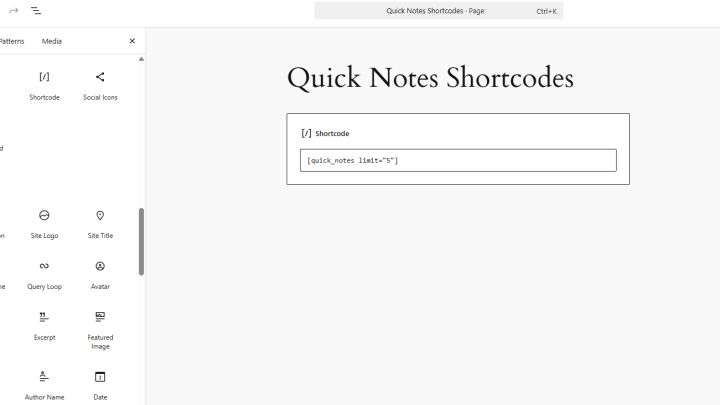
Building a WordPress Plugin: Frontend Display with Shortcodes
In our previous article, Implementing AJAX for Dynamic Content, we added AJAX note submissions with JavaScript, a PHP handler and server-side validation. The admin interface can…
In our previous article, Implementing AJAX for Dynamic Content, we added AJAX note submissions with JavaScript, a PHP handler and server-side validation. The admin interface can…
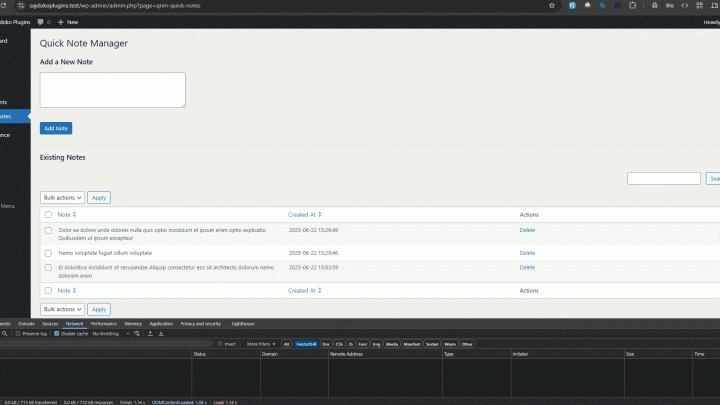
In the previous article, Building a WordPress Plugin: Creating the Admin Dashboard Page, we built the admin interface. Adding a note currently reloads the whole page.…
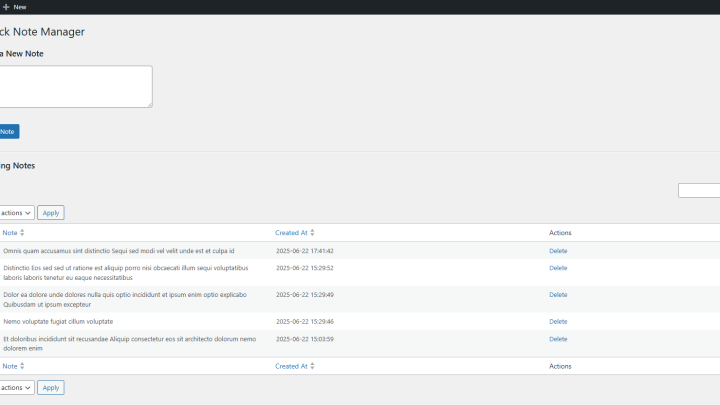
This guide continues the development of the Quick Note Manager plugin. The first article, Building a WordPress Plugin: A Step-by-Step Guide, established the plugin’s foundation, including…
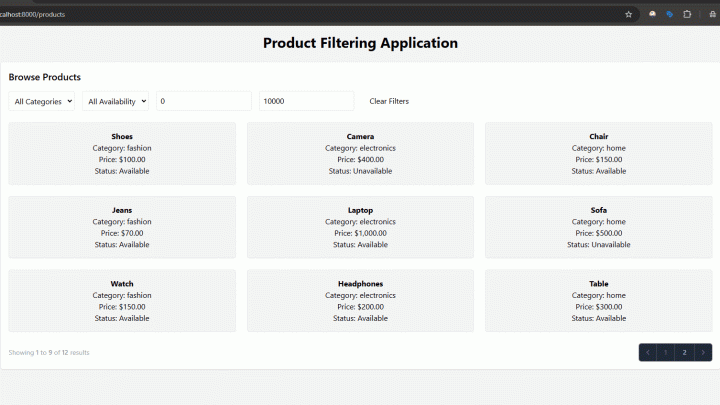
In this final part, we’ll add pagination, loading indicators and animations, then review the product filter’s queries and input handling. Part 3: Enhancing the Livewire Product…
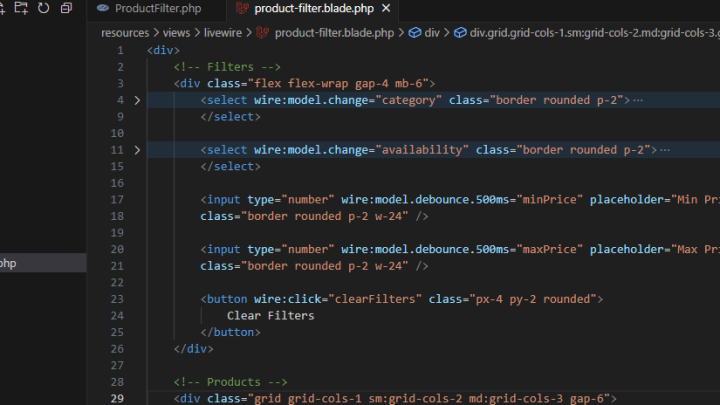
In this part, we’ll add a price-range filter, a clear-filters button and responsive layout improvements to the Livewire product filter. Part 2: Building the Core of…
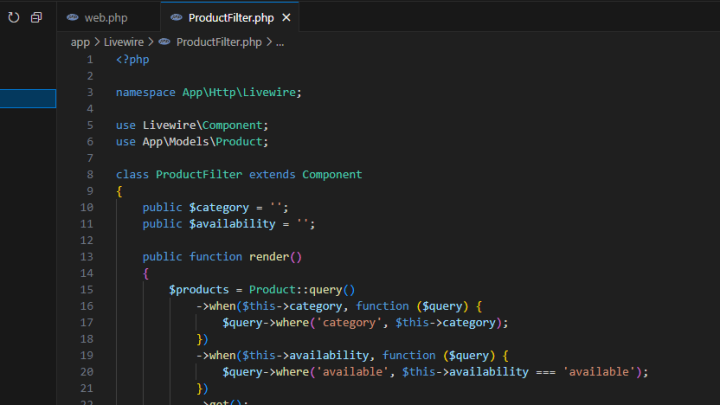
This part creates the route, shared layout and product filtering interface. We’ll use Livewire for filter updates and TailwindCSS for styling. Part 1: Building a Real-Time…
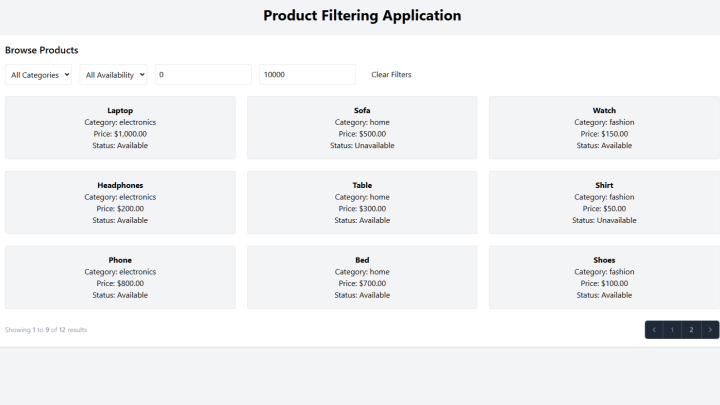
This guide sets up a Laravel project for a Livewire product filter. It covers installation, the database and the product structure used in the series. What…
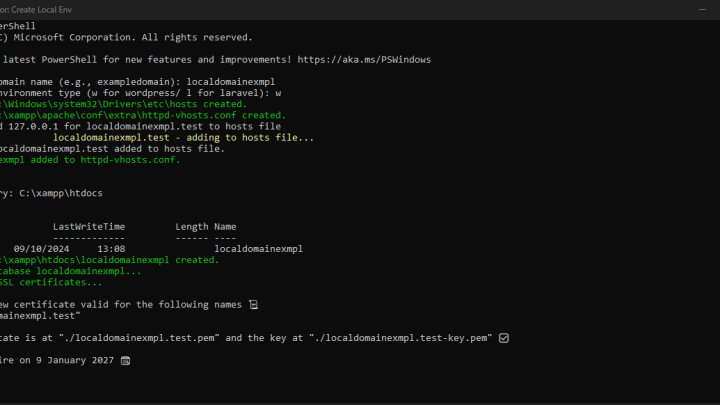
I use a PowerShell script to repeat the setup steps for local WordPress and Laravel projects on Windows. It updates hosts entries, configures virtual hosts, creates…
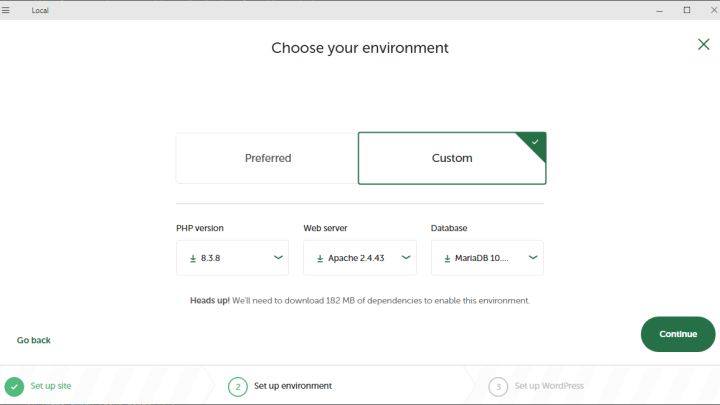
These five tools cover common WordPress development tasks, including local testing, code editing and version control. 1. Local Development Environment: Local by Flywheel When you’re working…
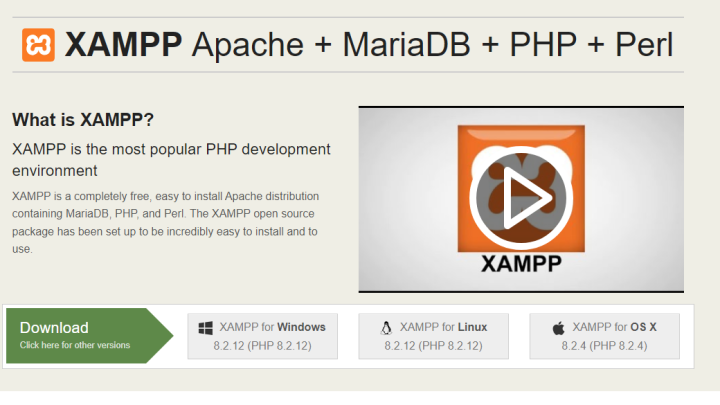
Install WordPress locally with XAMPP to test themes, plugins and code changes before using them on a live site. The steps below cover the setup. Step…