Category: WordPress

blank

Building a WordPress Plugin: A Step-by-Step Guide

/ | Leave a Comment
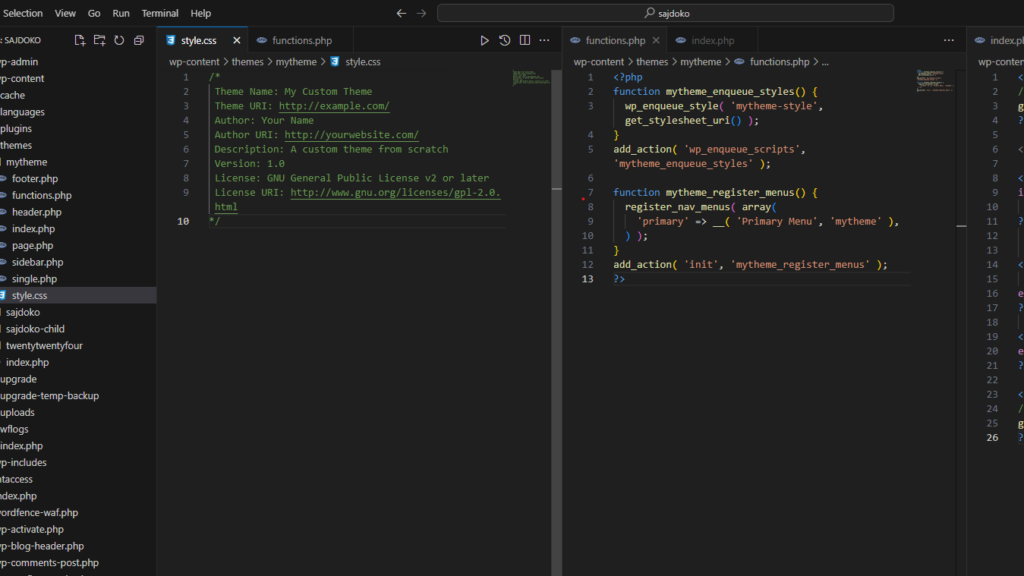
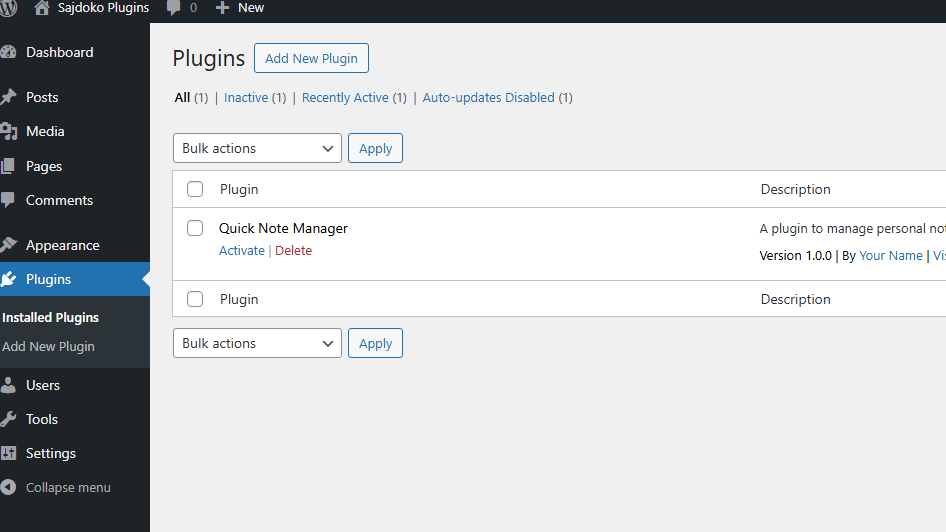
This series of articles may be a great starting point in your journey into plugin development. Whether you’re a complete beginner or someone looking to refine your skills, this guide aims to simplify the process and provide you with hands-on experience. We’re going to build something practical and meaningful: a Quick Note Manager. This project […]
Read more »
blank

How to Optimize WordPress Database Performance for Faster Sites

/ | Leave a Comment
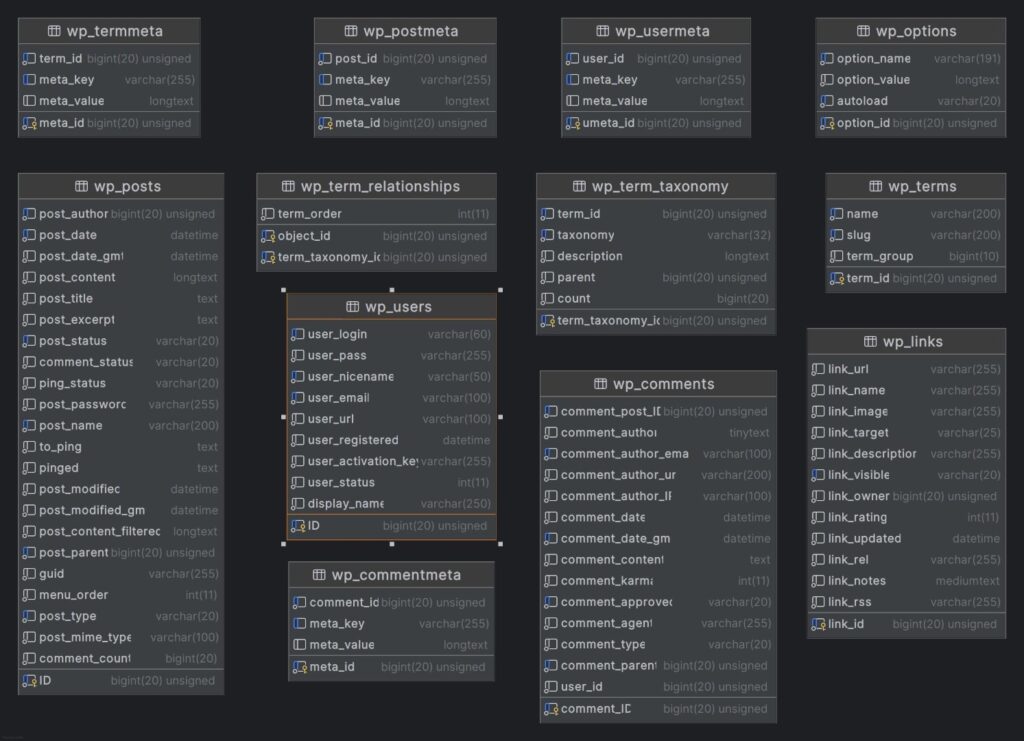
When it comes to WordPress site performance, the database plays a crucial role. A well-optimized database can significantly reduce page load times, improve the user experience, and decrease server load. This translates to faster responses, smoother browsing, and better reliability for your website, making it more attractive to visitors and search engines alike. In this […]
Read more »
blank

How to Implement Role-Based Content Restrictions in WordPress Without Plugins

/ | Leave a Comment
Managing access to content on your WordPress site can become essential as your user base grows. Whether you run a membership site, offer premium content, or manage a community with multiple roles, role-based content restrictions allow you to control who can view specific areas of your site. This guide will teach you how to implement […]
Read more »
blank

How to Create a ‘Services’ Custom Post Type with Meta Boxes in WordPress

/ | Leave a Comment
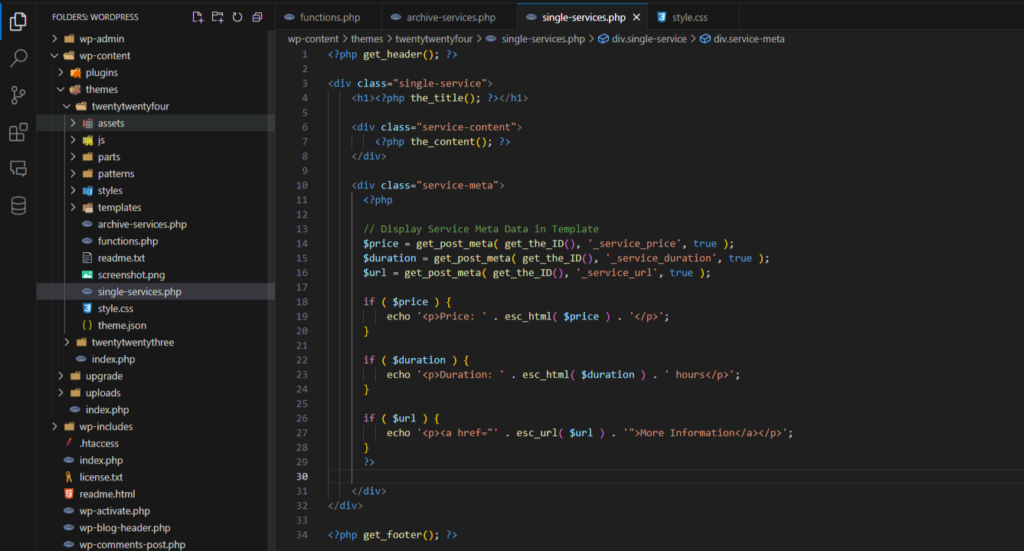
Custom post types allow WordPress developers to extend the functionality of their website beyond standard posts and pages. By adding a ‘Services’ custom post type, you can display your business offerings in a more organized and customizable way. Moreover, by adding custom meta boxes, you can include additional details about each service, such as pricing, […]
Read more »
blank

5 Essential WordPress Development Tools Every Beginner Should Know

/ | Leave a Comment
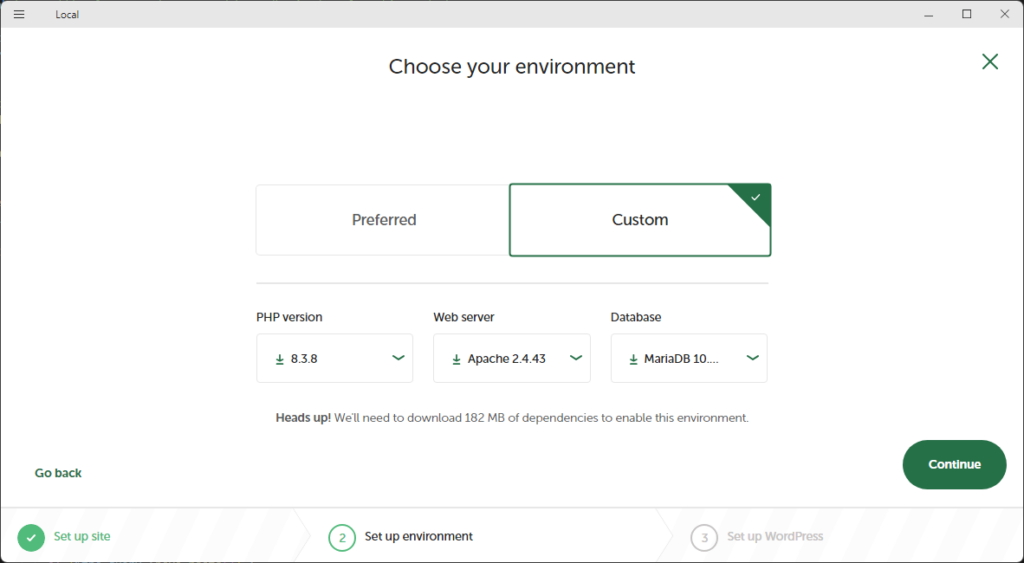
WordPress development can feel overwhelming when you’re just starting out, but using the right tools can simplify your workflow and help you build better sites faster. In this article, we’ll cover five essential development tools that every WordPress beginner should know. Whether you’re developing themes, plugins, or just want to improve your development process, these […]
Read more »
blank

How to Set Up WordPress on localhost Using XAMPP: A Step-by-Step Guide

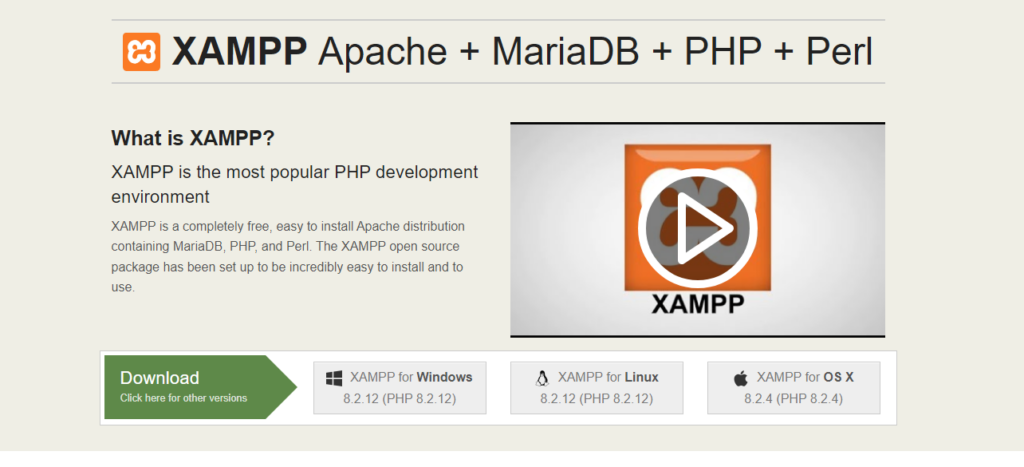
Setting up WordPress on your local machine is an excellent way to experiment with themes, plugins, and customizations without affecting a live site. In this guide, I’ll walk you through how to install WordPress on localhost using XAMPP. Let’s get started! Step 1: Download and Install XAMPP XAMPP is a free and open-source software that […]
Read more »
blank

Mastering WP_Query: A Comprehensive Guide to Querying Posts in WordPress

/ | Leave a Comment
WP_Query is one of the most powerful tools in a WordPress developer’s toolkit. It allows you to create complex queries to retrieve posts based on almost any parameter you can think of—authors, categories, tags, custom fields, and more. Understanding the various parameters available to WP_Query is crucial for customizing how content is displayed on your […]
Read more »
blank

Simple WordPress AJAX Example: A Step-by-Step Guide

/ | Leave a Comment
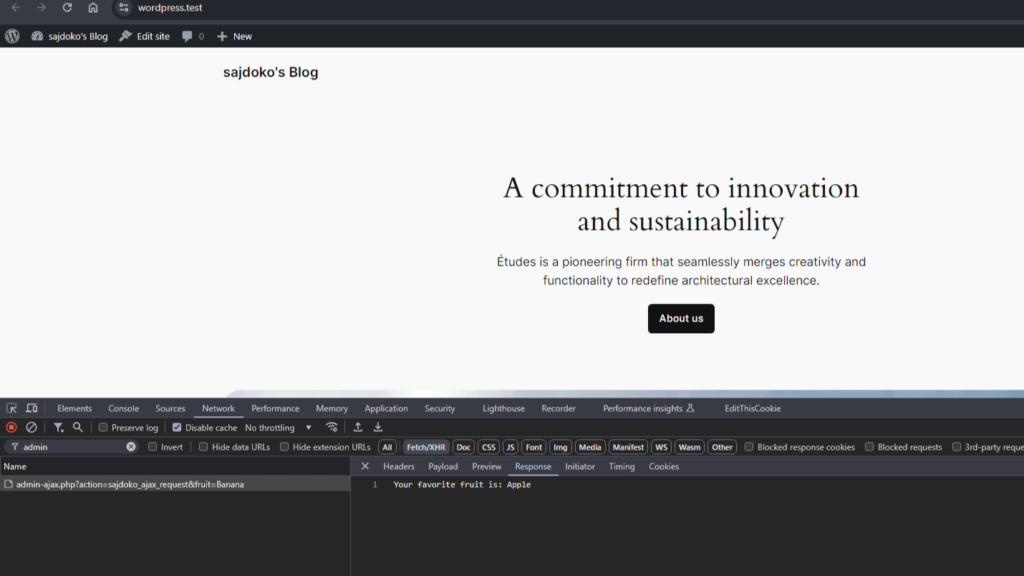
AJAX is a powerful tool in WordPress, allowing for dynamic, real-time interactions on your website without the need to refresh the page. Whether you’re building a contact form, a product filter, or loading posts dynamically, AJAX will provide a smoother, faster experience for your users. In this guide, we’ll walk through a basic WordPress AJAX […]
Read more »
Chat on WhatsApp Chat on WhatsApp To top