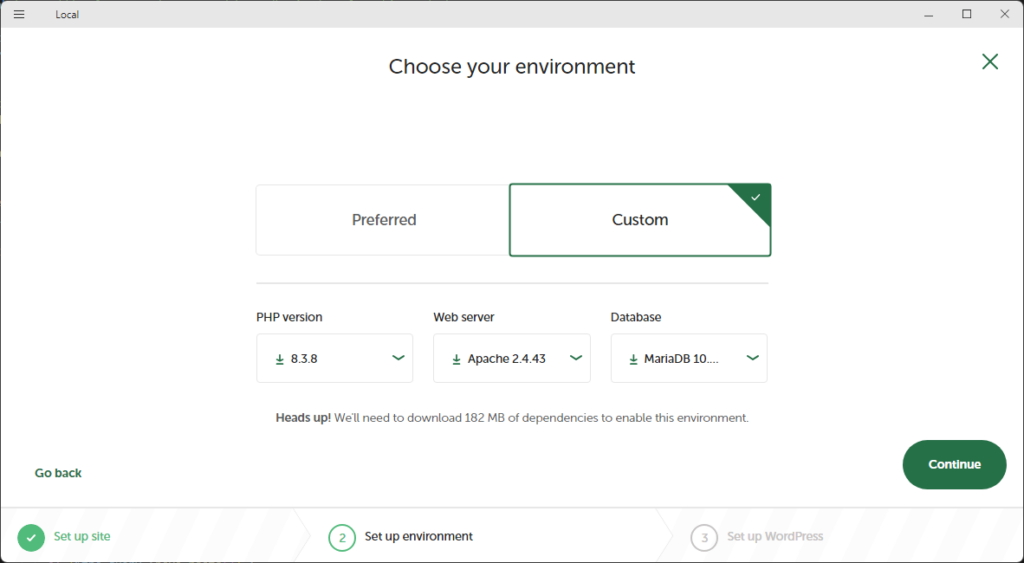
WordPress development can feel overwhelming when you’re just starting out, but using the right tools can simplify your workflow and help you build better sites faster. In this article, we’ll cover five essential development tools that every WordPress beginner should know. Whether you’re developing themes, plugins, or just want to improve your development process, these […]
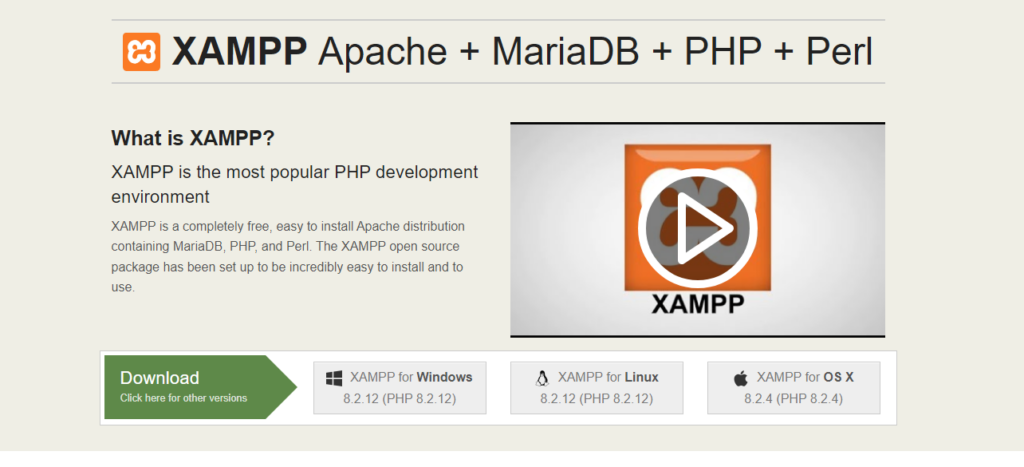
Setting up WordPress on your local machine is an excellent way to experiment with themes, plugins, and customizations without affecting a live site. In this guide, I’ll walk you through how to install WordPress on localhost using XAMPP. Let’s get started! Step 1: Download and Install XAMPP XAMPP is a free and open-source software that […]
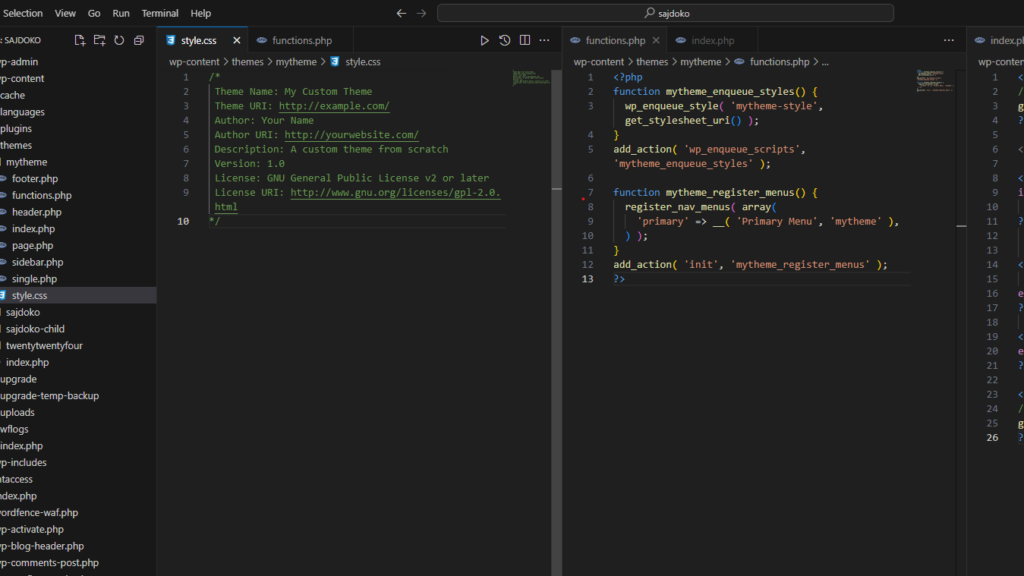
Building a custom WordPress theme from scratch is a great way to fully understand how WordPress works. Whether you’re a developer looking to learn the intricacies of theme development or simply someone who wants to create a unique theme for your website, this guide will walk you through the process step by step. Step 1: […]
Introduction In modern web development, handling requests efficiently is key to building secure and scalable applications. Laravel, one of the most popular PHP frameworks, makes this task easier with its powerful Middleware system. Middleware acts as a bridge between a request and a response, allowing developers to filter HTTP requests entering the application. In this […]
WP_Query is one of the most powerful tools in a WordPress developer’s toolkit. It allows you to create complex queries to retrieve posts based on almost any parameter you can think of—authors, categories, tags, custom fields, and more. Understanding the various parameters available to WP_Query is crucial for customizing how content is displayed on your […]
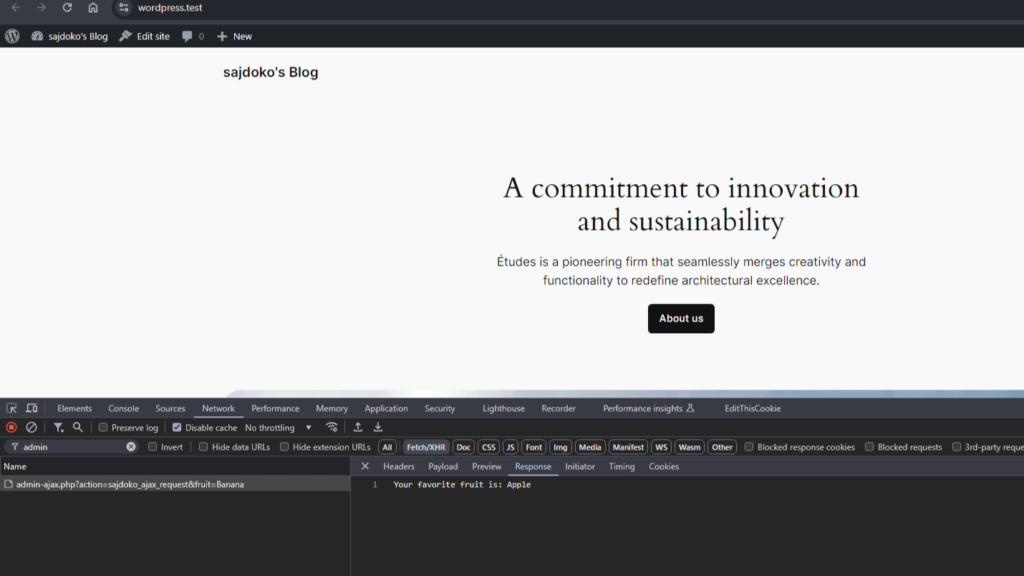
AJAX is a powerful tool in WordPress, allowing for dynamic, real-time interactions on your website without the need to refresh the page. Whether you’re building a contact form, a product filter, or loading posts dynamically, AJAX will provide a smoother, faster experience for your users. In this guide, we’ll walk through a basic WordPress AJAX […]
If you’re running a WooCommerce store, you may want to restrict access to certain pages based on the products a user has purchased. For example, you might offer exclusive content or services to customers who have bought specific products. This tutorial will guide you through the process of restricting access to pages based on a […]
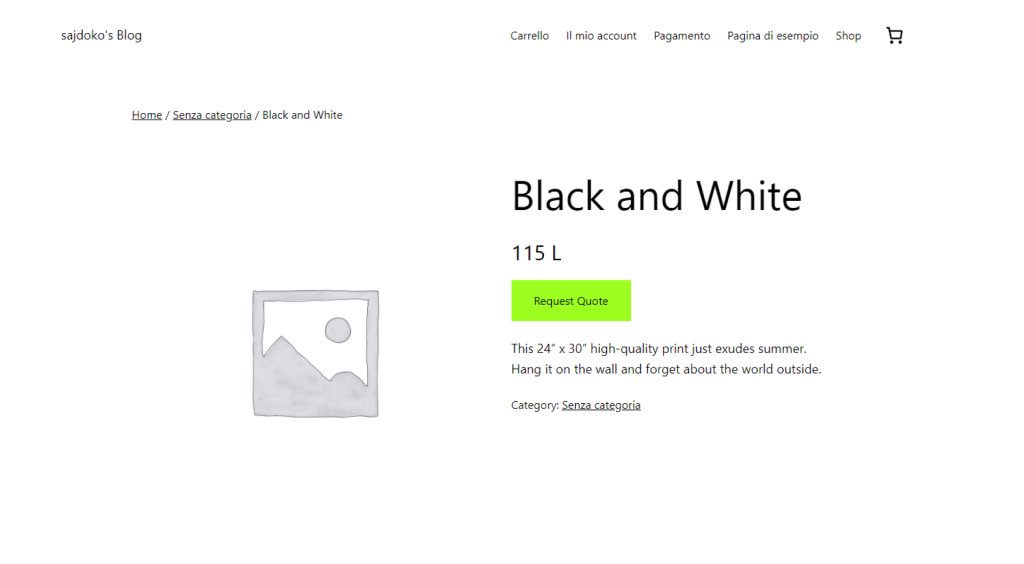
WooCommerce is a powerful and flexible plugin for creating an online store, but sometimes you may need to modify its default functionality to fit specific business requirements. One common need is to remove the “Add to Cart” button for certain users based on their location and replace it with a “Request Quote” button. This is […]
WooCommerce is a powerful and flexible e-commerce platform, but sometimes it doesn’t include all countries by default. For example, Kosovo isn’t officially listed as a checkout country. In this tutorial, I’ll show you how to add Kosovo as a valid country in WooCommerce, make it part of the European continent, and even assign major cities […]
If you’re running a WordPress site, speed matters—a lot! Fast-loading sites not only provide a better user experience but also rank higher in search engines like Google. If you’re a beginner looking to optimize your WordPress site’s speed, this guide will walk you through the essentials. Let’s dive into some easy-to-implement tips to boost your […]